

Your appPayments

The invoice goes out, the money comes in, and nobody chases.
Invoices on your own payment page, in Your app, the one app your business runs on. Paid online. Your bookkeeper gets it as a CSV or PDF.
In your name
See it for
On your own payment page, and ready for your bookkeeper as a CSV or PDF.
Everything in Payments
A finished job becomes an invoice in your look, paid online on your own payment page, with nobody chasing and your bookkeeper's file ready.
Your invoice, in your look
Your logo, your colours, your terms in plain words, and exactly what was done. It reads like you sent it, because you did.
An invoice, in your name Your Landscaping Co.Your invoice for the backyard is ready
spring cleanup
Materials
DueFriday
View and payPaid online, on your own payment page
The customer taps the link and pays on a page on your domain, by card or the way you choose. The invoice marks itself paid.
Your payment page the backyard- Card
- Bank
Receipt sent in your name
Paid without a phone call
A finished job becomes the invoice
What was quoted and signed, plus any changes on site, becomes the invoice when the crew taps done. Nothing retyped, nothing forgotten.
From done to paid - The crew taps done
- The invoice builds from the signed quote
- It goes out in your name
- Paid online, marked paid on its own
You always know what's still open
Otto keeps the list of open invoices and tells you which ones are getting old. A friendly reminder goes out in your name when you say so.
Open invoices Still openLee · aerationSent Monday
Patel · spring cleanupDue Friday
Send a reminder to LeeYour bookkeeper gets a CSV or PDF
Everything paid and owed, exported the way your bookkeeper likes it. Month end is a file, not a weekend.
Month end Before
- Find every invoice
- Match payments by hand
- Email a messy spreadsheet
After
- One export
- Paid and owed, already matched
- A CSV or PDF, ready to send
Deposits and payment plans, when you need them
Ask for a deposit when a big job is signed, or split a payment the way you agreed. Each part is invoiced and tracked the same way.
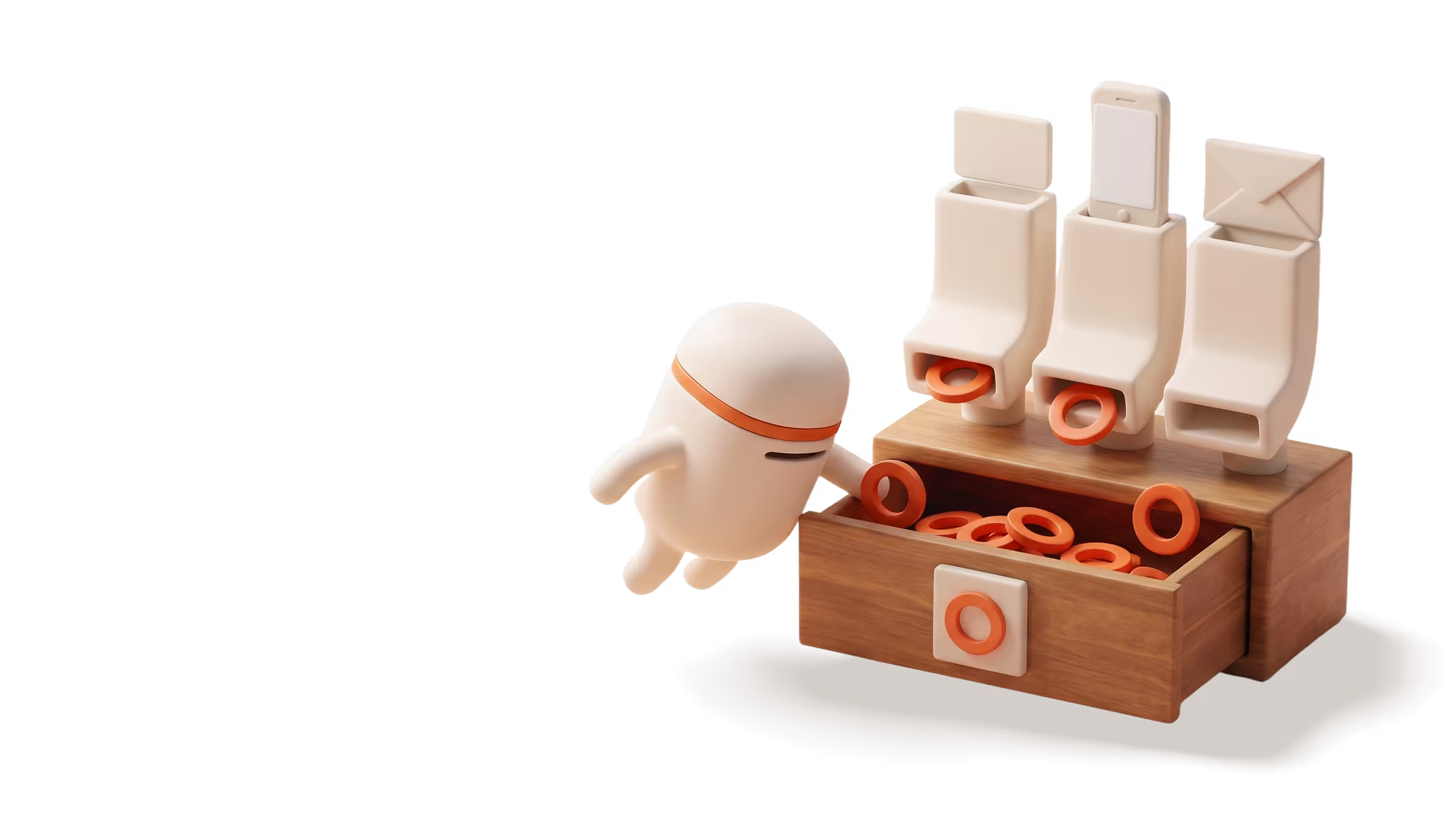
However they pay, it lands in one place.
Moments
From done to paid
- 4:30 pm
The job is done. The invoice goes out on your own payment page.
- 6:02 pm
Paid online, from the couch.
- Month end
Your bookkeeper gets it as a CSV or PDF.
- Any day
Otto tells you which invoices are still open. Paying anyone is always yours.
Otto
- 4:30 pm
Paid before you're home
- 4:10 pm
The crew taps done on the backyard.
- 4:11 pm
The invoice goes out in your name.
Otto - 6:45 pm
Maya pays it on her phone. It marks itself paid.
- 4:10 pm
The reminder you didn't have to write
- Day 10
Otto tells you Lee's invoice is still open.
Otto - Day 10
You say yes to a reminder, and it goes out in your name.
- Day 11
Lee pays from the link.
- Day 10
Month end in a minute
- Last Friday
Your bookkeeper asks for the month.
- Last Friday
You export it as a CSV.
- Last Friday
Done before lunch.
- Last Friday

How it runs
The first weeks
- Your invoice, in your look.
- Your payment page, on your domain.
- How a finished job becomes an invoice.
- Your invoice designed in your look, your payment page set up, and how a finished job becomes an invoice worked out with you.
Every month
- Payment pages kept working.
- Exports ready for your bookkeeper, as a CSV or PDF.
- Open invoices tracked and reminders ready to go.
What you approve
- Paying anyone is always yours.
- Every reminder before it's sent.
- Refunds, discounts and payment plans.
Off your mind
- Typing invoices at night.
- Chasing payments by phone.
- Matching payments by hand.
How it connects
What Payments feedsWhat feeds Payments
Questions owners ask about payments
How do customers pay an invoice online?
They tap the link in the invoice and pay on your own payment page, on your domain. The invoice marks itself paid and a receipt goes out in your name.
Can a finished job become an invoice automatically?
Yes. When the crew taps done, the invoice is built from the signed quote and any changes, ready to send.
Can I take deposits?
Yes. Ask for a deposit when a job is signed, or split payments the way you agreed. Each part is tracked the same way.
What does my bookkeeper get?
Everything paid and owed, exported as a CSV or PDF, ready for your bookkeeping.
Who chases late payments?
Otto tells you which invoices are still open, and a reminder goes out in your name when you say yes. Paying anyone is always yours.
Is this a separate invoicing app?
No. Invoicing and payments are part of Your app, the one app your business runs on, with your quotes, jobs and customers.

Read next

Book a fit call.
Tell us which apps the business runs on now. We'll tell you which of them one app would replace, and which you should keep.
Free, and about 30 minutes.
Book a fit callOr call 1-888-808-0310