
Your appTeam
Everything the crew needs, before the truck leaves.
Everything your crew needs, ready before the truck leaves: their jobs, the schedule, job notes and photos, in Your app, the one app your business runs on.
In your name
See it for
Their jobs, the schedule, the notes and the photos, and only what each person should see.
Everything in Team
Everything your crew needs on their own phones before the truck leaves: their jobs, the day, the notes, the photos, and the answers they used to call you for.
Each person's day, on their phone
Everyone opens the app and sees their own jobs in order, with addresses, times and what to bring. Nobody waits for a text from you at 6 am.
Today, for one of your crew Thursday8:00Lee · spring cleanup
10:30Patel · aeration
1:30Ramirez · spring cleanup
Directions to LeeA login for each person, and what each one sees
The office sees everything. The crew sees their jobs and the customer details they need, not the books. People come and go without passwords passed around.
Who sees what Your teamYouEverything
OfficeSchedule, customers, invoices
crewTheir jobs and notes
Added or removed in a minute
Job notes written once, found every time
Gate codes, the dog, where to park, what the customer asked for last time. Written once on the job, there for whoever goes next.
Notes on the backyard Job notesGate code is on file
Friendly dog, keep the gate shut
Park on the side street
Added by the crew, last visit
Nobody has to call you for it
Photos taken on the job, kept with it
Before and after, the thing that needs a quote, the proof it was done. Photos go straight onto the job, ready for the customer, the review request or your next post.
Photos on the job the backyardBefore, during and after
Shared with the customer when you say so
Handing a job from one person to another
Someone's sick, or the day runs long. Move the job and the next person gets every note, photo and message that came with it.
One job, handed on with everything it needs. “Done” sets everything else moving
When the crew taps done, the customer hears, the invoice is ready and the review request goes out at the right moment. Nobody does it from memory at night.
One tap at the end of the job - The crew taps done and adds a photo
- The customer gets a note in your name
- The invoice is ready to send
- The review request goes out while the work looks its best
Moments
A crew’s Thursday
- 6:40 am
The day’s jobs are on each phone, with the notes from last time.
- 9:15 am
“What’s the gate code?” The crew asks Otto, and he answers from the job notes, instead of calling you.
Otto - 3:30 pm
Finished-job photos are kept with the job, and the review request goes out.
- 6:40 am
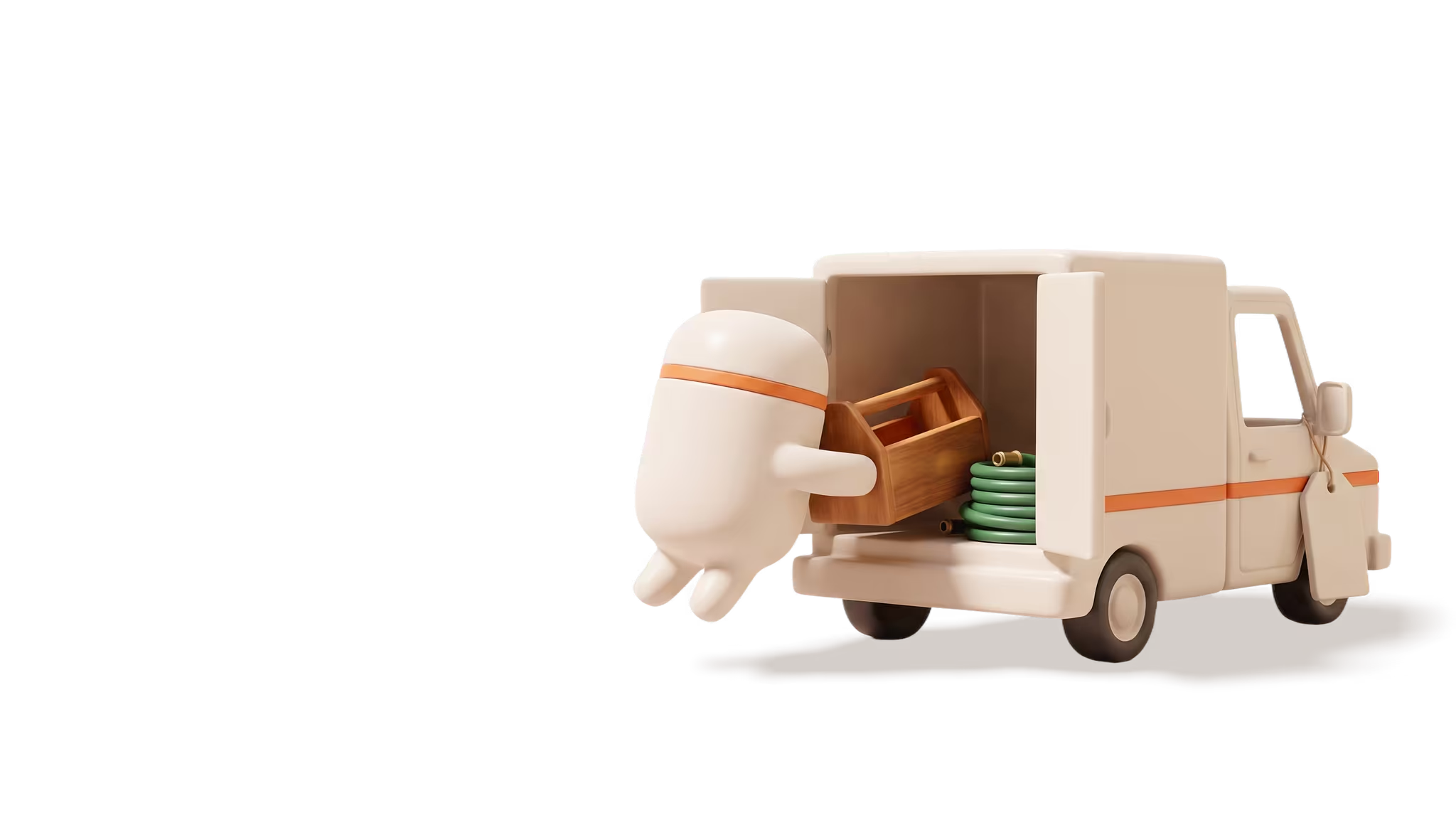
A quiet 6 am
- 6:00 am
The crew opens the app. The day is already there.
- 6:05 am
Notes for the first job: gate code, the dog, where to park.
- 6:10 am
The truck leaves without a single call to you.
- 6:00 am
The question that didn't reach you
- 9:12 am
At the backyard, the crew asks Otto for the gate code.
Otto - 9:12 am
Otto answers from the job notes.
Otto - 9:13 am
You're on another job and never knew it was asked.
- 9:12 am
A sick day, covered
- 7:00 am
Someone calls in sick.
- 7:05 am
You move their two jobs to another person.
- 7:06 am
The jobs arrive with every note and photo, and the customers hear the new time in your name.
Otto
- 7:00 am

Otto
Your crew can ask Otto for addresses, gate notes and job details, instead of calling you.
How it runs
The first weeks
- A login for each person, and what each one sees.
- Job notes written once, where the crew can find them.
- Photos taken on the job, kept with it.
- Everyone set up with their own login, and the jobs, notes and photos you already have brought in.
Every month
- People added and removed as your crew changes.
- The schedule kept up to date.
- Notes and checklists kept current as your jobs change.
What you approve
- You choose who sees what.
- What a customer is told when a job moves.
Off your mind
- Texting everyone their day.
- Answering “what's the gate code?” from a ladder.
- Chasing photos after the job.
How it connects
What Team feedsWhat feeds Team
- Payments
A finished job is ready to invoice.
- Reviews
“Done” on their phone sends the review request.
- Social
Job photos become your posts.
- Trade tools
The tools for your trade are on the same phone.
- Bookings
The schedule they see is the one customers booked.
- Signing
A signed quote becomes the crew's job.
- Otto
Your crew can ask Otto for addresses, gate notes and job details, instead of calling you.
Questions owners ask about team
What can my crew see in the app?
Their own jobs, in order, with addresses, notes, photos and what to bring. You decide what each person sees, so the books stay with you.
Can the crew add photos and notes on site?
Yes. Photos and notes go straight onto the job from their phone, ready for the next visit, the customer or a review request.
Is it hard to add or remove someone?
No. People are added and removed as your crew changes, with their own login, so nobody shares passwords.
Can my crew ask questions without calling me?
Yes. They can ask Otto for addresses, gate notes and job details, and he answers from your own records.
Does it work for one crew or several?
Both. One person with a truck or several crews across town, each sees their own day and you see all of it.
How is this different from a field service app?
It's built around how your business runs, in your name, and it's part of the one app that also holds your bookings, quotes, invoices and customers.
Read next

Book a fit call.
Tell us which apps the business runs on now. We'll tell you which of them one app would replace, and which you should keep.
Free, and about 30 minutes.
Book a fit callOr call 1-888-808-0310