





Your websitePages

Search one service in one town, and land on yours.
A page for every service in every town you serve. Someone searching for one service in one town lands on the page about exactly that.
In your name
See it for
Done nearby this month
Can someone quote a spring cleanup?
Written from your work there: the jobs, the photos and what people ask.
Everything in Pages
A page for each service you offer in each town you serve, written from your own work there, so someone searching for one thing in one place finds exactly that.
The services and towns worth a page
Not every combination deserves a page. We start with what people actually search for, where you want more work, and where you already have jobs to show.
Your service and town pages Pages worth makingspring cleanup in your town
spring cleanup in the next town over
aeration in your town
Next: where the searches are growing
Each page written from your work there
Jobs you've done in that town, photos from them, the questions people there ask. A real page about real work, not the same words with the town name swapped.
One town page spring cleanup in your townRecent jobs nearby, and what people here ask before they book.
Book a spring cleanupReal jobs, real photos, that town
Someone searching lands on the right page
A person looking for one service in one town lands on the page about exactly that, not your home page, and books from it.
From a search to a booking - Someone searches for spring cleanup in their town
- They land on that exact page
- They see jobs you've done nearby
- They book from the page
New pages as you add services or towns
Start taking a new kind of job, or start driving to a new town, and the page follows. Otto tracks the searches, so the next page goes where they are.

Every town you serve, with its own page. Pages kept current
New photos, new jobs nearby, updated answers. A page that keeps changing shows people, and search, that you're still working there.
One page through the year - Spring
Written from this season's jobs
- Summer
New photos from nearby work
- Fall
A new question answered
- Next spring
Updated for the season
- Spring
Which pages bring work, in plain words
Every month you see which pages people found, which ones they booked from, and where the next page should go.
Knowing what works Before
- One home page for everything
- No idea what people searched
- Guessing where to advertise
After
- A page for each service and town
- Which pages brought bookings
- Where the next page should go
Moments
Two towns over
- 8:30 pm
Someone two towns over searches for the one service you’re best at.
- 8:31 pm
They land on the page about exactly that, with jobs you did near them.
- 8:34 pm
They book from it. You find out over breakfast.
- Every month
Otto tracks which services and towns people search for, so the next page goes where the searches are.
Otto
- 8:30 pm
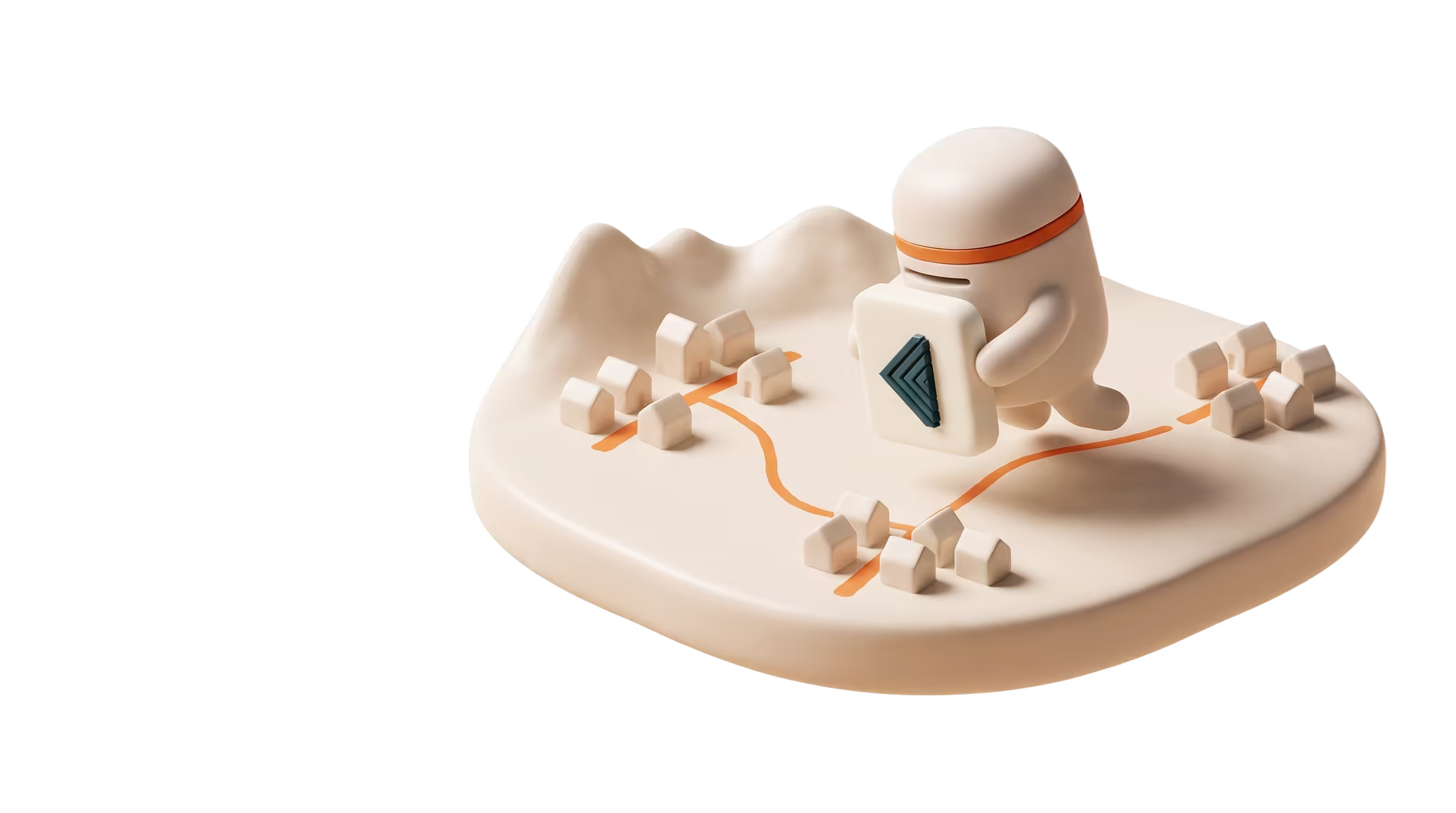
A new town on the map
- Monday
You tell us you'll start taking work in the next town.
- Wednesday
Its page is up, written from the jobs you've done nearby.
- Saturday
The first booking comes from it.
- Monday
One search, one page
- 7:30 pm
Someone nearby searches for spring cleanup in their town.
- 7:30 pm
Your page for exactly that comes up.
- 7:34 pm
They book from the page, and the confirmation is in your name.
Otto
- 7:30 pm
The searches pick the next page
- Week 1
Otto sees more people searching for aeration nearby.
Otto - Week 2
We suggest a page for it.
- Week 3
You say yes, and it goes up.
- Week 1

Otto
Otto tracks which services and towns people search for, so the next page goes where the searches are.
How it runs
The first weeks
- The services and towns worth a page.
- Each page written from your work there: jobs, photos and what people ask.
- Your services and towns mapped against what people search, and the first pages written from your jobs.
Every month
- New pages as you add services or towns.
- Pages kept current.
- Which pages bring work, in plain words.
- Searches watched, and the next page suggested where they're growing.
What you approve
- You approve the services and towns that get a page.
- The words on each page before it goes up.
Off your mind
- Writing the same page twenty times.
- Guessing which towns to target.
- Pages that go stale.
How it connects
What Pages feedsWhat feeds Pages
- Bookings
Every page books straight into your schedule.
- Campaigns
Ads for a town can land on its own page.
- Built to be found
Built to be found decides which page comes next.
- Team
Job photos make each page real.
- Profiles
Your profile lists the same towns.
- Otto
Otto tracks which services and towns people search for, so the next page goes where the searches are.
Questions owners ask about pages
What is local SEO?
Making sure that when someone nearby searches for what you do, they find you. Part of it is having a real page for each service in each town you serve, and keeping your profiles and reviews right.
Do I need a separate page for every town?
Only where it's worth it: towns you serve, with real searches and real jobs to show. A page with nothing of its own to say doesn't help anyone.
Won't pages for each town look the same?
Not when they're written from your work there: the jobs you've done nearby, photos from them and what people there ask.
How do you decide which page comes next?
Otto tracks what people search for and where. The next page goes where the searches are and where you want the work.
How long before a new page brings work?
It depends on the service, the town and how many others are competing. Every month you'll see which pages people found and booked from.
Do you work outside Calgary?
Yes. We build and run websites for businesses anywhere in Canada, with pages for the towns they serve.
Read next

Book a fit call.
Tell us what your website does for you now. We'll tell you what we'd keep, and what we'd change.
Free, and about 30 minutes.
Book a fit callOr call 1-888-808-0310